
Learning & Vocation
Everyone is a learner! Learning is a lifelong endeavor for all of us.
Everyone should have the opportunity to produce and share work. There are a wide array of tools and strategies that can maximize a person’s potential and help them participate in school, work, and life. Some tools can be used “off the shelf” and others are specialized and/or customized.
Tools and Strategies
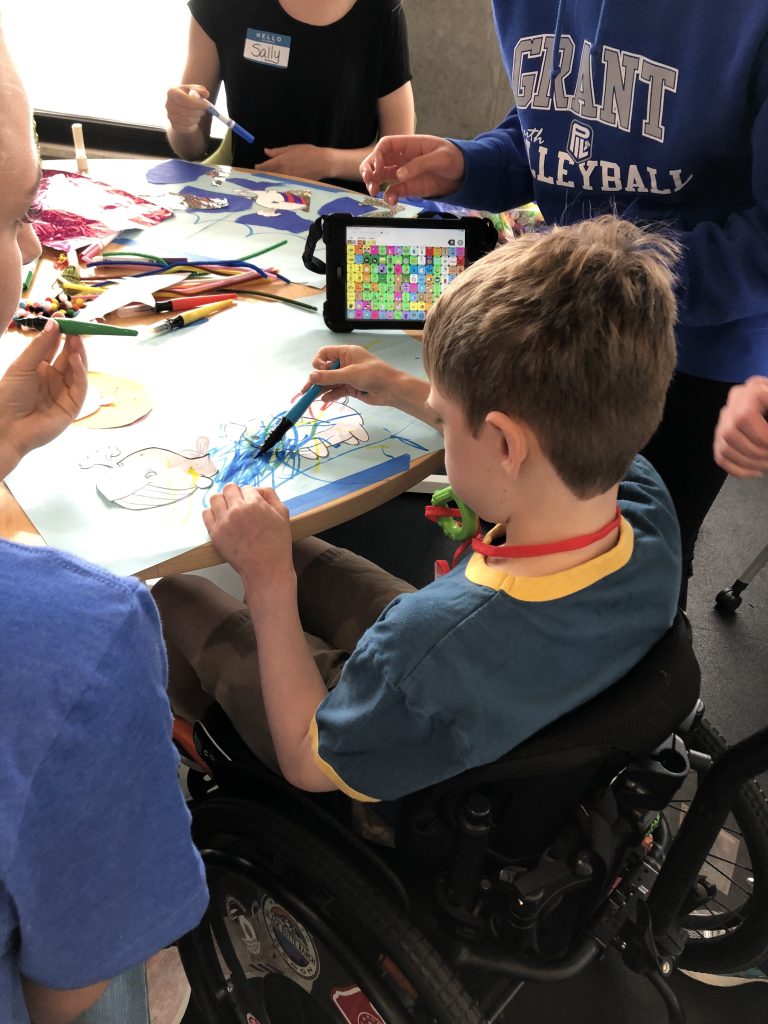
Some examples of tools and strategies that can be used at school or work:
- Adapted curriculum
- Screen readers
- Audiobooks
- Partner-training
- Voice output apps for presentations
- Visual supports for schedules
- Audio-visual resumes
- Software for reading and writing support
- Adapted keyboards/mouse
- Alternative access to computers
In the AT Lab
A variety of learning and vocation tools are available in the Lab to explore during Open Lab hours or during a personalized Consultation.
If we do not have a tool, we may be able to refer you elsewhere. We are available for school or vocational rehabilitation consultations, as well as customized Trainings.
Universal Design for Learning (UDL)
Video
Universal Design for Learning (UDL) is a set of principles for curriculum development that provides all learners equal opportunities to learn.
Resources
For more information about UDL:
For more information about available tools:
- Bookshare (National audiobook program)
- Learning Ally
- Text Help
- Don Johnston
- Microsoft Learning Tools
- Scanning Pens
- “It Takes a Community/#SucceedWithDyslexia” video
For specialized curriculum or software available commercially: